
Somewhere between a boring school computer lab and a long free period, a small corner of the internet called Glacier Arcade has quietly become a favorite escape for students. It is not a physical arcade with flashing lights and coin slots.
Instead, it is a browser-based gaming website built for one very specific problem: many schools and workplaces block popular gaming sites on their networks, leaving students staring at a locked screen during downtime. Glacier Arcade steps into that gap by offering a large collection of games that can be played directly through a web browser, without downloads, installations, or admin permissions.
Because everything runs in the browser itself, it tends to slip past many standard network filters that block specific game domains. Whether you are killing time on a Chromebook between classes or just looking for something light to play without cluttering your device with apps, Glacier Arcade positions itself as a quick, no-fuss option. Below, we will walk through what makes it work and answer the most common questions people have about it.
Table of Contents
Key Features of Glacier Arcade
Large Game Library
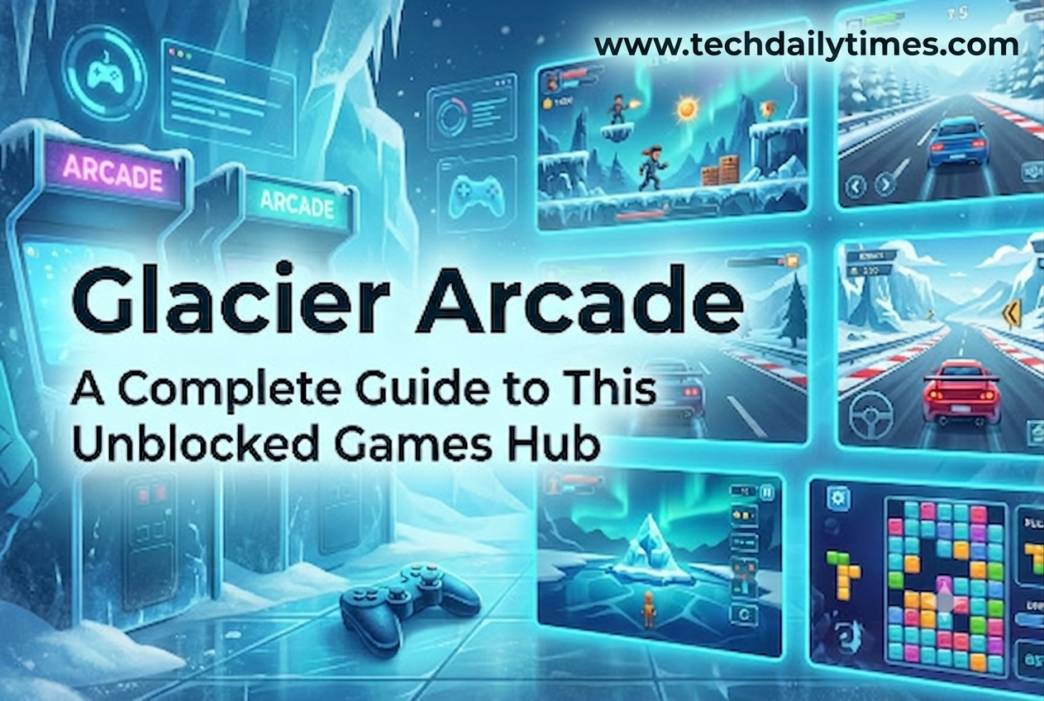
One of the first things people notice about Glacier Arcade is the sheer number of titles available in one place. Instead of hopping between different sites for different genres, users get access to a mixed library that includes racing games, puzzle challenges, running games, shooters, and classic arcade-style titles. This variety means there is usually something for every mood, whether you want a fast five-minute distraction or a game you can sink more time into. Having everything organized under one roof also saves time that would otherwise be spent searching multiple sites.
No Downloads or Installations Required
Every game on the platform runs directly in the browser using web technologies, so there is nothing to install and no storage space taken up on your device. This is especially useful on school-issued Chromebooks or work laptops, where installing new software is often restricted or simply not allowed. You just open the site, click a game, and start playing within seconds.
Works on Restricted Networks and Devices
Many schools use network filters that block known gaming domains by name or category. Because sites like this one are often hosted under less recognizable URLs and rely on browser-based game engines, they can sometimes bypass those filters where dedicated gaming platforms cannot. This is a major part of the appeal for students who want a quick game during a break without needing special permissions.
Simple, Distraction-Free Interface
The layout is generally kept minimal, with games organized into a grid or list so you can find something to play without digging through cluttered menus or excessive ads. A clean interface matters more than people expect, especially when you only have a few spare minutes and do not want to waste them navigating a confusing site.
Free to Access
There is no subscription, account creation, or payment required to start playing. This lowers the barrier to entry significantly compared to platforms that lock content behind paywalls or ask for personal information before you can use them.
Frequently Asked Questions
Is Glacier Arcade safe to use? Like most unblocked gaming sites, safety can vary depending on which specific version or mirror you access, since these sites are not officially reviewed or maintained by app stores. It is a good idea to avoid clicking on unexpected pop-ups or download prompts while browsing, since ads on free gaming sites are a common source of unwanted redirects.
Do I need to create an account to play? No, most unblocked game sites, including this one, are designed for instant access. You typically do not need to sign up, log in, or share any personal details before jumping into a game.
Can I play Glacier Arcade on a school Chromebook? In many cases, yes, since it runs entirely in the browser without needing installations. However, access can depend on how strict your specific school’s network filtering is, and some versions of the site may get blocked over time while new mirrors appear elsewhere.
Conclusion
Glacier Arcade fits into a very specific niche: quick, browser-based entertainment for moments when regular gaming platforms are out of reach. Its appeal comes down to accessibility, a wide game selection, and a setup that avoids downloads or complicated sign-ups. That said, users should always browse responsibly, be mindful of their school or workplace’s technology policies, and stay cautious around ads or unfamiliar links. Used sensibly, it remains a simple way to unwind for a few minutes without any extra hassle.

